お知らせ
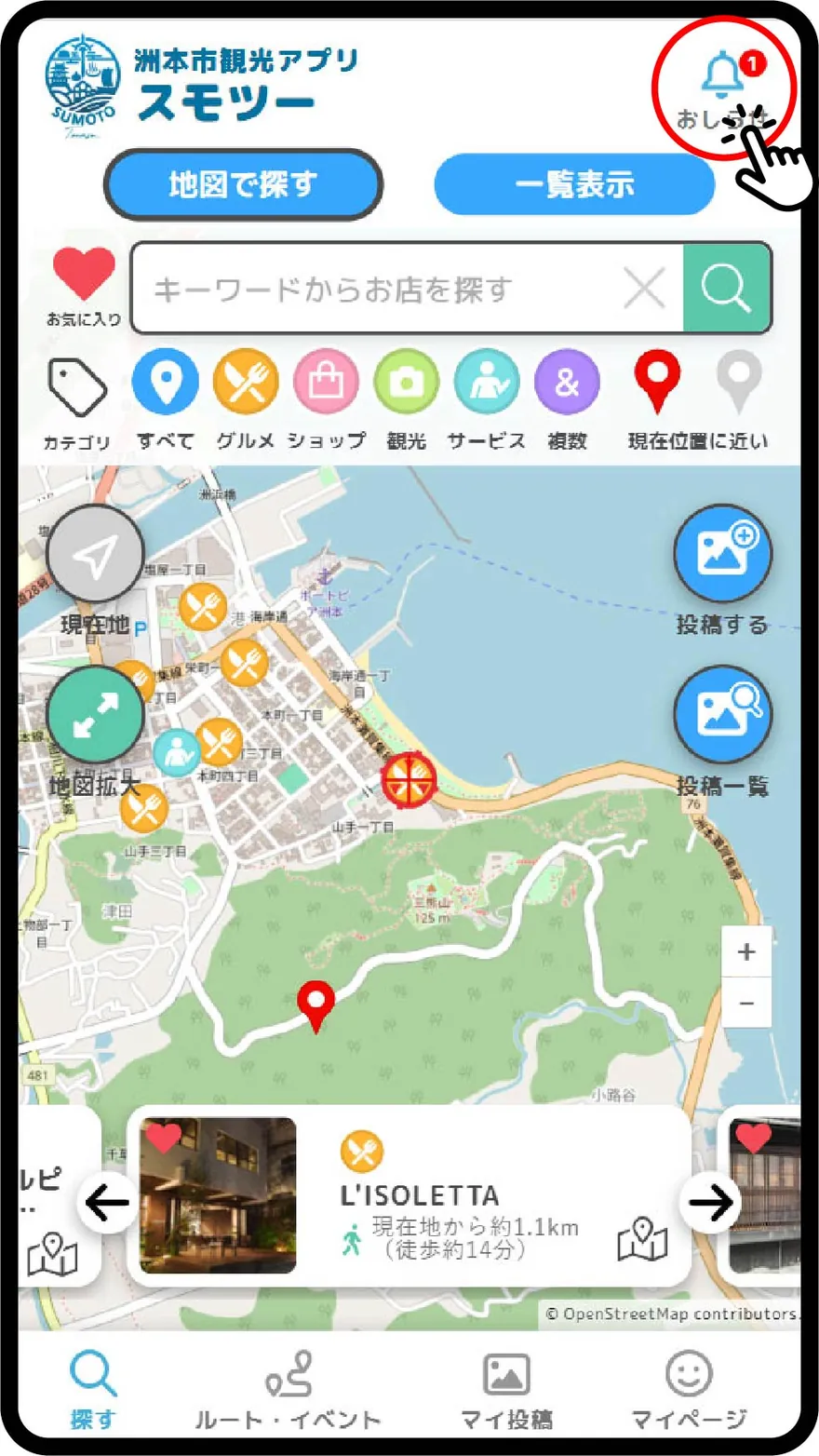
未読のお知らせがある場合、右上の「お知らせアイコン」にバッジが付きます。バッジの数字が未読のお知らせの数です。
「お知らせアイコン」をタップすると、お知らせ一覧が表示されます。
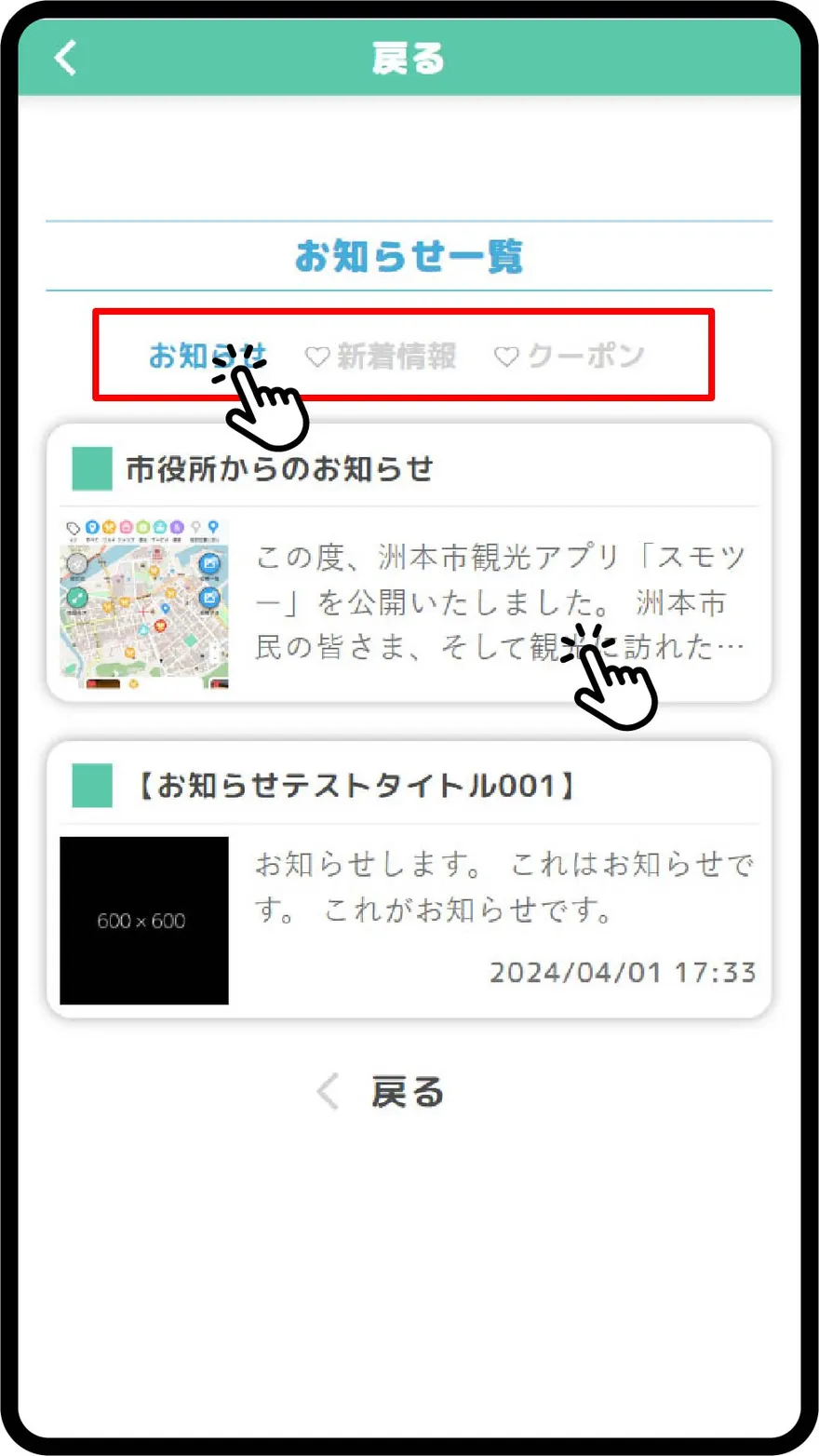
「お知らせ」、「♡新着情報」、「♡クーポン」のタブをタップして、表示するお知らせを切り替えることができます。
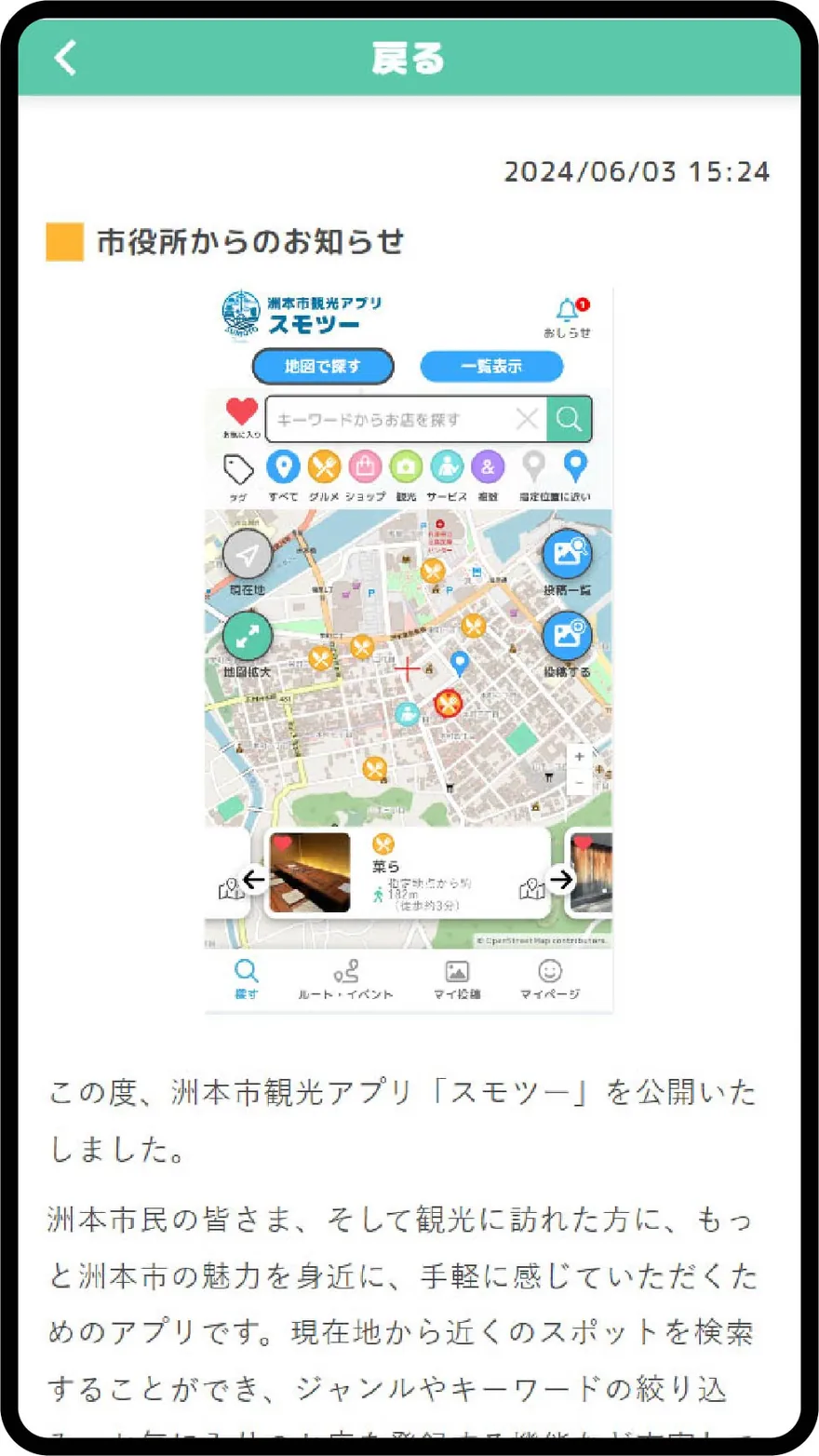
「お知らせ」には運営(市役所)からのお知らせが表示されます。
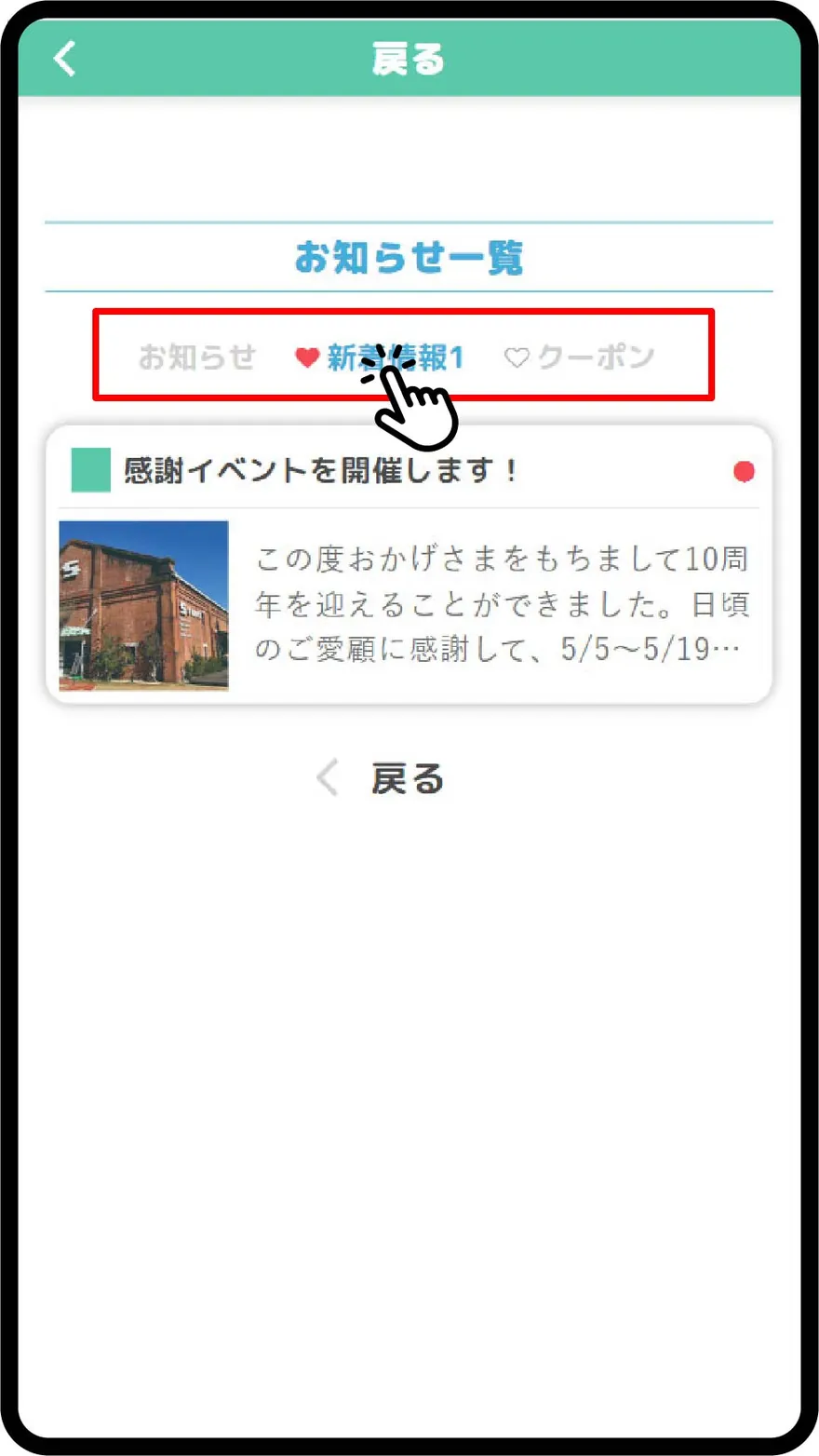
「♡新着情報」にはお気に入りに追加したスポットの新着情報が表示されます。「お気に入り」に追加する方法は、ヘルプページの「お気に入り」をご覧ください。
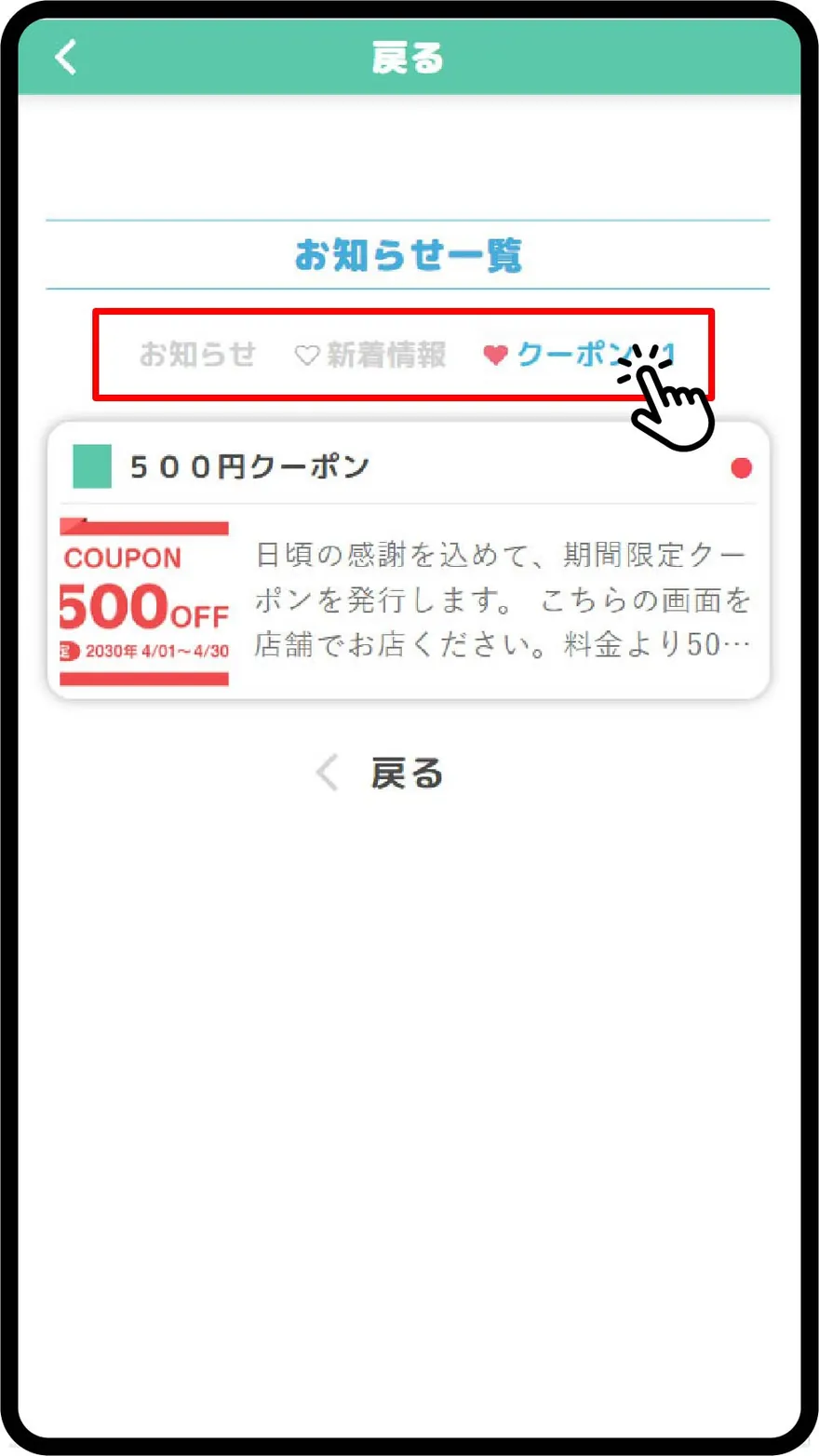
「♡クーポン」にはお気に入りに追加したスポットのクーポン情報が表示されます。「お気に入り」に追加する方法は、ヘルプページの「お気に入り」をご覧ください。
When there are unread notifications, a badge will appear on the "Notification Icon" in the upper right corner. The number on the badge indicates the number of unread notifications.
Tapping the "Notification Icon" will display the list of notifications.
Tap the tabs "Notification", "♡New Information", and "♡Coupons" to switch the displayed notifications.
The "Notification" tab displays notifications from the administration (City Hall).
The "♡New Information" tab displays updates for spots you have added to your favorites. For how to add to favorites, please see the "Favorites" help page.
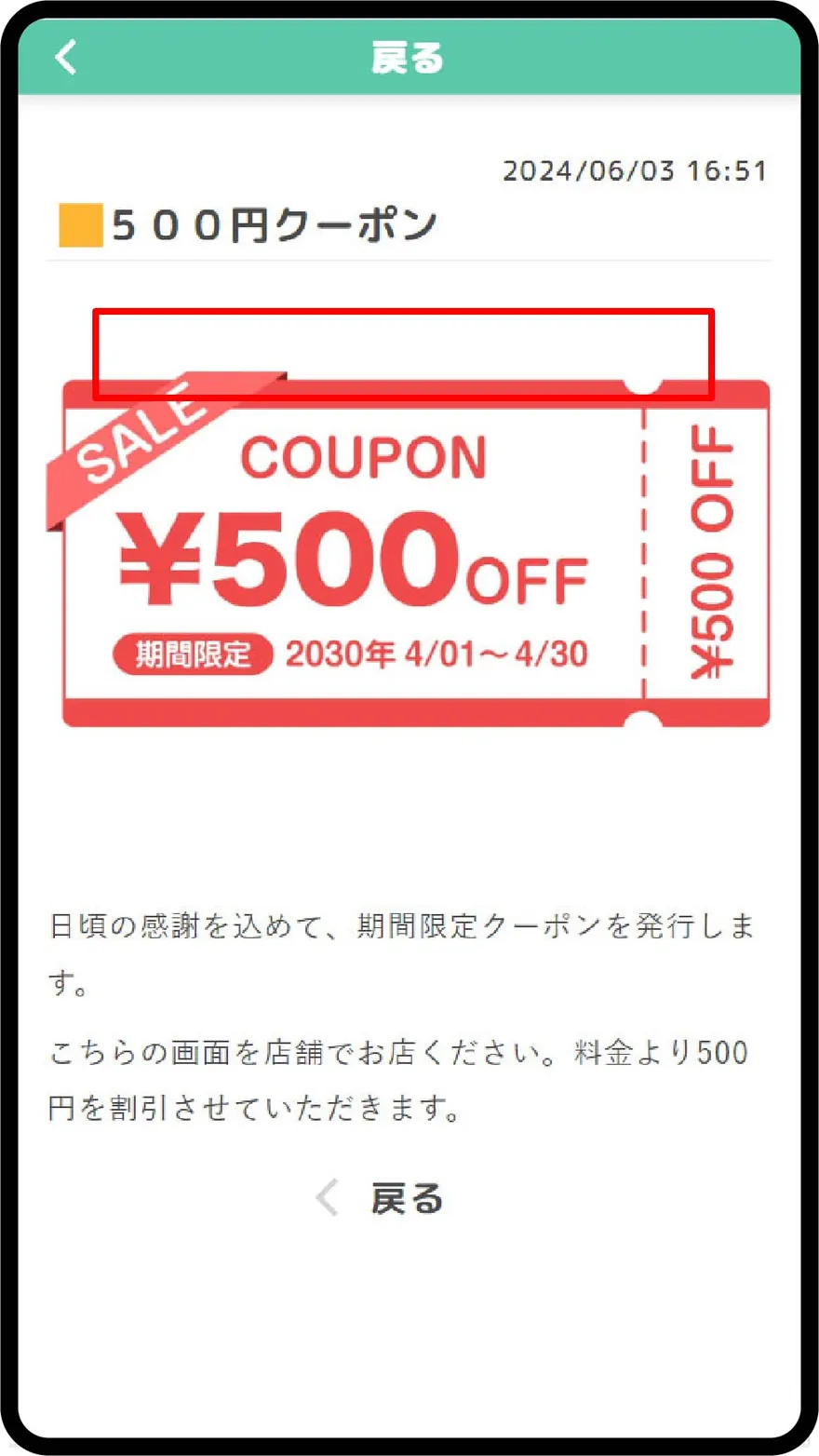
The "♡Coupons" tab displays coupon information for spots you have added to your favorites. For how to add to favorites, please see the "Favorites" help page.